KML & KMZ
KML (Keyhole Markup Language) is the format used by Google Earth and many GIS applications for sharing geographic features with styles and descriptions.
Supported inputs
| Format | Extension | Notes |
|---|---|---|
| KML | .kml | Single XML file |
| KMZ | .kmz | ZIP archive containing a KML file and any linked assets |
Importing
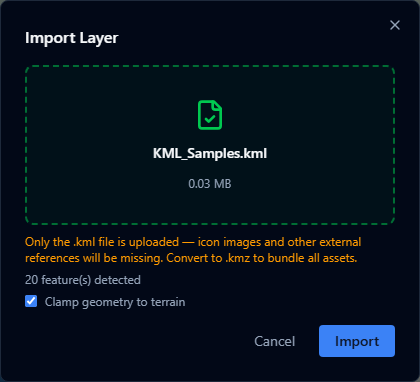
- Open the Layers panel and click +.
- Select Import file and choose your
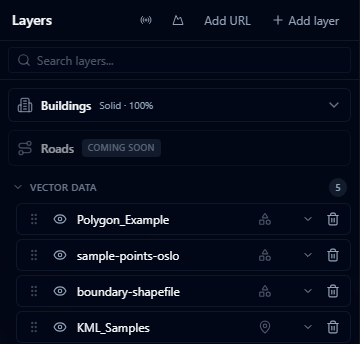
.kmlor.kmzfile (max 200 MB). - The layer appears in the viewer. Features are clamped to the terrain surface by default.
What is preserved
- Points, lines, and polygons
- Feature names and descriptions
- Folder structure (flattened into a single layer)
- Placemarks with coordinates
Limitations
warning
KMZ with external assets — KMZ files that reference external network links or embedded 3D models (.dae) may not display correctly. Complex models are ignored; network links are not followed.
warning
KML Network Links — KML files that use <NetworkLink> to load remote data are imported as static snapshots. Live network link updates are not supported.
- Photographic overlays (ground overlays with raster images) are not rendered
- KML styles are imported as-is; you can override them in the Style Editor after import
- Very large KML files (hundreds of thousands of features) may load slowly