CZML (Time-Dynamic Data)
CZML is a JSON-based format designed specifically for describing time-dynamic scenes in CesiumJS. Use it to display objects that move, change appearance, or appear and disappear over time.
What CZML is for
- Animated vehicle or vessel tracks
- Sensor coverage that changes over time
- Construction phases with timed visibility
- Satellite or aircraft trajectories
Importing
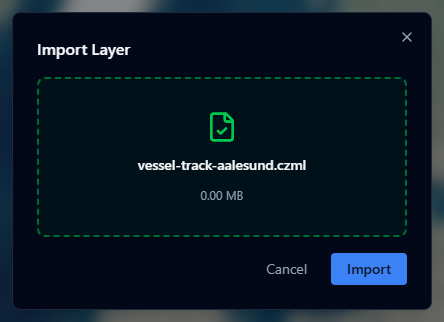
- Open the Layers panel and click +.
- Select Import file and choose your
.czmlfile (max 200 MB). - The layer loads and its time range is linked to the Timeline at the bottom of the viewer.
Using the timeline with CZML

After importing a CZML layer, the viewer's timeline bar reflects the time range defined in the CZML file. Use the timeline controls to:
- Play / pause the animation
- Scrub to any point in time
- Set the playback speed (1×, 2×, 0.5×, etc.)
When you switch to a scenario that includes a visible CZML layer, the timeline is driven by that layer — the camera clock animation is skipped so the CZML layer stays in control.
Scenario snapshots and CZML
The active clock time is saved in scenario snapshots. When you restore a scenario with a CZML layer, the timeline jumps to the saved time. The CZML layer controls the clock rather than the snapshot's camera animation.
Supported CZML features
AugmentCity uses Cesium's native CZML renderer, which supports:
- Billboard, label, point, polygon, polyline, path, model packet types
- Interval-based visibility and property interpolation
- Reference properties and composite positions
Refer to the CZML specification for the full format reference.