Screenshot
Capture the current 3D view as an image.
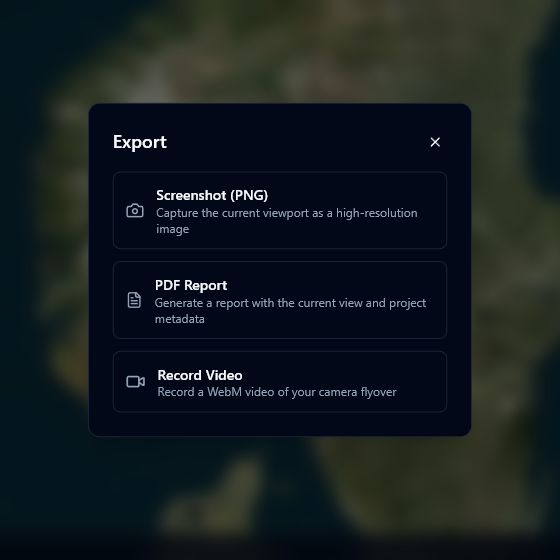
Taking a screenshot
- Set up the view you want to capture — position the camera, toggle layers, adjust lighting.
- Click the camera icon in the top-right toolbar.
- A PNG image downloads automatically.
The filename follows the format: {project-name}-{date-time}.png.
note
The screenshot captures only the 3D viewport. UI panels, toolbars, and overlays are not included in the image.